

VICIdial’s inbound side is less documented than its dialer, and the configuration is spread across four screens that have to agree with each other. Get one wrong and calls arrive, go nowhere, and hang up.
This walks the full chain from carrier to agent.
The Chain
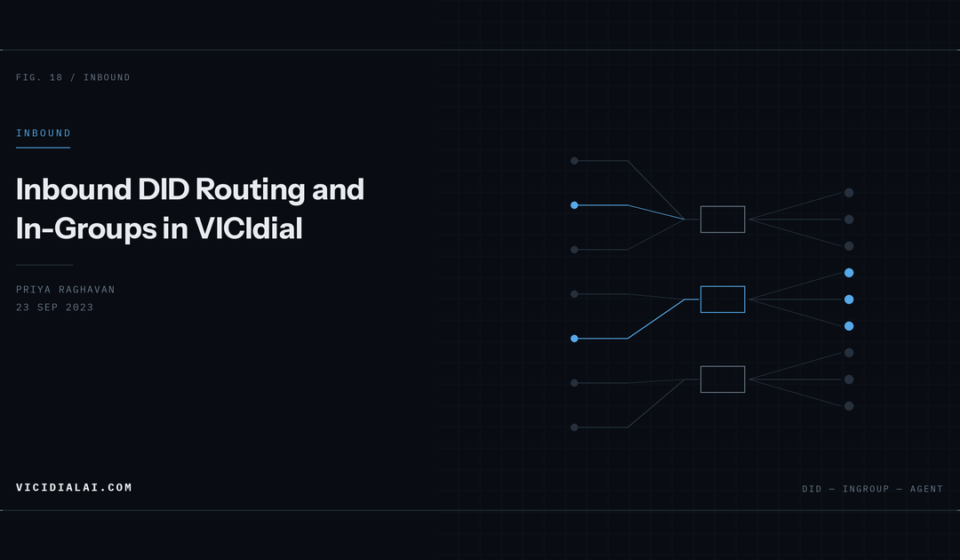
An inbound call passes through five stages:
- Carrier delivers a SIP INVITE to your server
- The trunk’s context sends it to
trunkinbound agi-DID_route.agimatches the dialled number against the DID table- The DID’s route sends it to an in-group
- The in-group finds an available agent
Break any link and the call dies. Diagnosis is a matter of establishing how far down the chain it got.
Stage 1 and 2: Getting Into the Right Context
Your carrier entry’s Account Entry must specify the inbound context:
[myprovider]
type=friend
host=sip.provider.com
context=trunkinbound
insecure=port,invite
disallow=all
allow=ulaw
canreinvite=no
For PJSIP, the endpoint needs the same:
[myprovider]
type=endpoint
context=trunkinbound
disallow=all
allow=ulaw
direct_media=no
aors=myprovider
context=default is the classic mistake. Inbound calls then hit your outbound dialplan and fail with “extension not found in context default.”
Stage 3: DID Matching
The trunkinbound context passes the dialled number to the routing AGI:
[trunkinbound]
exten => _X.,1,AGI(agi-DID_route.agi)
exten => _X.,n,Hangup()
Then add the DID under Admin → Inbound → Show DIDs → Add A New DID.
The critical field is DID Pattern, and it must match exactly what your carrier sends. Not what you assume they send. Capture it:
asterisk -rvvvvvsip set debug peer myproviderPlace a test call and read the request URI:
INVITE sip:15551234567@203.0.113.10 SIP/2.0That user part — 15551234567 — is your DID pattern. If the carrier sends +15551234567, either include the + in the pattern or normalise it in dialplan:
[trunkinbound]
exten => _+X.,1,Goto(trunkinbound,${EXTEN:1},1)
exten => _X.,1,AGI(agi-DID_route.agi)
exten => _X.,n,Hangup()
Set the DID’s other fields:
- DID Route:
IN_GROUP - In-Group: the group you are about to create
- Active:
Y - Filter Phone Group: leave as NONE unless you are blocking specific numbers
Other route options are worth knowing: AGENT sends directly to one named agent, EXTENSION to a dialplan extension, PHONE to a specific phone, VOICEMAIL straight to a mailbox, and CALLMENU into an IVR.
Stage 4: The In-Group
The settings that matter most:
- Group Name / ID — keep IDs short, they appear in reports
- Active:
Y - Web Form Address — opens a URL with the caller’s details when a call connects, useful for CRM integration
- Drop Call Seconds — how long a caller waits before the drop action fires
- Drop Action —
VOICEMAIL,HANGUP,EXTENSIONorCALLMENU - Queue Priority — higher numbers win when an agent is eligible for several groups
- Next Agent Call — how VICIdial picks among available agents
That last setting shapes how work is distributed:
| Setting | Behaviour |
|---|---|
random | Random among available agents |
oldest_call_start | Agent idle longest since their last call started |
oldest_call_finish | Agent idle longest since their last call ended |
fewest_calls | Agent with fewest calls this session |
ring_all | Rings every available agent at once |
oldest_call_finish distributes most evenly in practice. fewest_calls sounds fair but penalises agents who handle quick calls. ring_all gets fast pickup at the cost of agents racing each other.
Stage 5: Agent Assignment
Two places must agree, and this is where most “the call rings nowhere” reports come from.
- Allow Inbound and Blended:
Y - The in-group ticked under Allowed Inbound Groups
Then the agent, at login, must actually select the in-group. If they log into a campaign without selecting it, they will not receive calls from it no matter how the rest is configured.
For agents who should always be on certain groups, set Agent Choose Ingroups to 0 on the user and define the groups centrally — that removes the per-login step and the mistakes that come with it.
Blended Campaigns
Blended means agents take inbound calls while outbound dialling continues in the background, with inbound given priority.
On the campaign:
- Allow Inbound and Blended:
Y - Dial Method:
RATIOorADAPT_HARD_LIMIT - Auto Dial Level: lower than a pure outbound campaign, because agents will be pulled away by inbound
The tension is real. Set the dial level too high and inbound callers queue while your agents are on outbound calls. Too low and agents sit idle between inbound calls. Watch the real time screen during a typical hour and adjust rather than calculating it.
Verifying the Chain
Place a test call with the CLI open. You want to see:
-- Executing [15551234567@trunkinbound:1] AGI("SIP/myprovider-0000001a", "agi-DID_route.agi")Where it stops tells you the stage:
Confirm queue state directly:
SELECT campaign_id, user, status, closer_campaigns
FROM vicidial_live_agents
WHERE status IN ('READY','CLOSER');
If closer_campaigns does not contain your in-group for any agent, that is your answer.
After-Hours Routing
Route by time of day at the dialplan level before the AGI sees the call:
[trunkinbound]
exten => _X.,1,GotoIfTime(09:00-17:00,mon-fri,*,*?open,1)
exten => _X.,n,Goto(closed,1)

exten => open,1,AGI(agi-DID_route.agi)
exten => open,n,Hangup()

exten => closed,1,Answer()
exten => closed,n,Playback(office-closed)
exten => closed,n,Voicemail(2000@default,u)
exten => closed,n,Hangup()
GotoIfTime uses the server’s timezone, so confirm that matches your business hours before trusting it.