

A common setup: FreePBX handles the office phone system — extensions, voicemail, IVR, internal calls — while VICIdial runs the outbound campaigns. Both are Asterisk, but they are separate installs with separate dialplans, and VICIdial actively manages its own configuration files.
You link them with a SIP trunk between the two servers. This covers both ends.
Why Not One Box
People ask whether they can just install FreePBX modules onto a VICIdial server. Don’t. FreePBX generates its dialplan from its own database and rewrites extensions_additional.conf. VICIdial generates extensions-vicidial.conf from its database via the keepalive script. They will fight over context names, and you will spend your life untangling which system broke what.
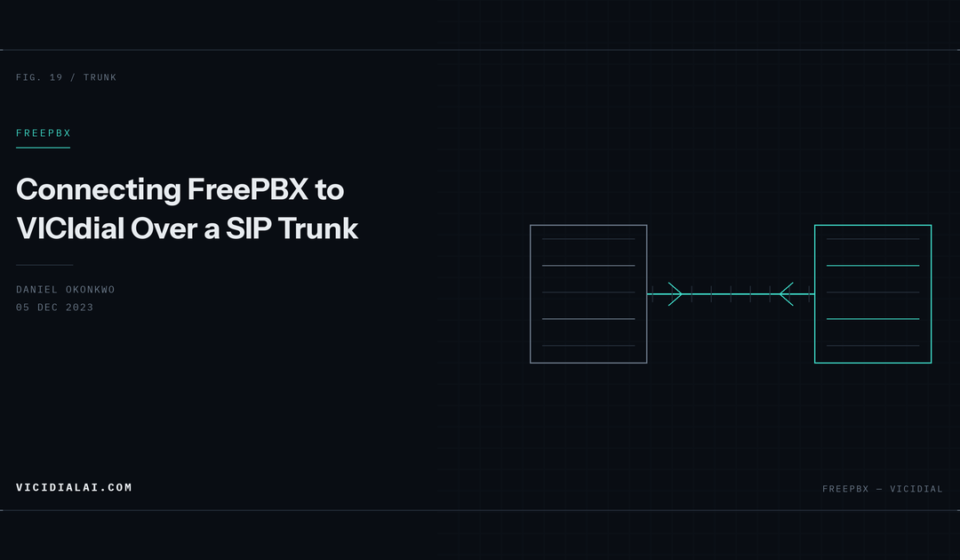
Two servers, one trunk between them. Clean boundaries.
Plan the Numbering First
Decide the ranges before configuring anything:
- FreePBX extensions: 1000–1999
- VICIdial agent phones: 8000–8999
- VICIdial conferences: 8600000+
Overlapping ranges cause routing loops that are genuinely unpleasant to debug. Write the plan down.
For this example:
- FreePBX:
192.168.1.10 - VICIdial:
192.168.1.20
VICIdial Side
Add a carrier under Admin → Carriers → Add A New Carrier. Leave the Registration String empty — these are two static servers on a known network, so use IP trust.
[freepbx]
type=friend
host=192.168.1.10
port=5060
context=trunkinbound
insecure=port,invite
disallow=all
allow=ulaw
allow=alaw
dtmfmode=rfc2833
qualify=yes
canreinvite=no
nat=no
exten => _91XXX,1,AGI(agi://127.0.0.1:4577/call_log)
exten => _91XXX,n,Dial(SIP/freepbx/${EXTEN:1},30,tTo)
exten => _91XXX,n,Hangup()With the standard 9 dial prefix, an agent dialling 91001 reaches FreePBX extension 1001.
Apply:
/usr/share/astguiclient/ADMIN_keepalive_ALL.pl
asterisk -rx "sip reload"
asterisk -rx "sip show peer freepbx"
FreePBX Side
- Trunk Name:
vicidial - Outbound CallerID: as appropriate
Under pjsip Settings → General:
- Username: leave blank
- Authentication: None
- Registration: None
- SIP Server:
192.168.1.20 - SIP Server Port: 5060
- Context:
from-internalif you want VICIdial agents to reach FreePBX features, orfrom-pstnto treat it as an external trunk
Under Advanced:
- Match (Permit):
192.168.1.20 - Direct Media: No
- Codecs: ulaw, alaw only
Direct Media: No matters. Let it default to yes and your recordings on either system will be silent, because the media never traverses the server.
If your FreePBX is still on chan_sip, the equivalent peer details are:
type=friend
host=192.168.1.20
context=from-internal
insecure=port,invite
disallow=all
allow=ulaw
canreinvite=no
qualify=yes
Outbound Route on FreePBX
To let FreePBX extensions reach VICIdial agents:
- Route Name:
to-vicidial - Trunk Sequence:
vicidial
Dial pattern:
| Prepend | Prefix | Match Pattern |
|---|---|---|
8XXX |
Now FreePBX extension 1001 dialling 8001 reaches VICIdial phone 8001.
Submit and Apply Config. FreePBX changes do nothing until applied.
Inbound on VICIdial
Calls arriving from FreePBX land in trunkinbound and hit the DID routing AGI. Two options.
context=defaultUse trunkinbound when calls should go through DID routing and in-groups; use default when FreePBX is dialling VICIdial phones directly.
Transfers Between Systems
The reason most people build this: an agent on a campaign call needs to reach someone on the office PBX.
For a blind transfer, the agent uses VICIdial’s transfer screen with the FreePBX extension including the dial prefix — 91001.
For a warm transfer, set up a transfer preset. Admin → Campaigns → Detail → Transfer Preset, defining the extension as 91001.
Transfers fail most often because of the t and T Dial options. Both systems need them:
Dial(SIP/freepbx/${EXTEN:1},30,tTo)t lets the called party transfer, T the caller. Miss them and transfers silently do nothing.
Caller ID Across the Trunk
VICIdial sets caller ID from the campaign or lead. FreePBX may rewrite it on its own outbound routes. If the FreePBX user needs to see the original external caller rather than the VICIdial agent’s extension, preserve it with the o option:
Dial(SIP/freepbx/${EXTEN:1},30,tTo)The o in tTo keeps the original caller ID on the outbound leg. On FreePBX, check the trunk’s outbound CallerID is not set to override — leave it blank to pass through.
Verifying
On VICIdial:
asterisk -rx "sip show peer freepbx"On FreePBX:
asterisk -rx "pjsip show endpoint vicidial"Both should show reachable with a latency figure.
Test in both directions with debug running:
asterisk -rvvvvvsip set debug peer freepbxCommon failures:
Firewall
If the two servers sit on different networks, open between them specifically:
firewall-cmd --permanent --add-rich-rule='rule family="ipv4" source address="192.168.1.10" port port="5060" protocol="udp" accept'
firewall-cmd --permanent --add-rich-rule='rule family="ipv4" source address="192.168.1.10" port port="10000-20000" protocol="udp" accept'
firewall-cmd --reload
Scope to the peer address rather than opening the ports generally. A trunk between two of your own servers has no reason to accept traffic from anywhere else.